
For restaurants: from the call to the kitchen display
A menu question, building the order, the read-back, explicit consent, writing the order, and the kitchen display.

Five steps, each one documented
Sandbox example Sandbox example: from a customer request to confirmation to the order appearing on the kitchen display.
The customer asks by voice or text; the agent asks for missing options.
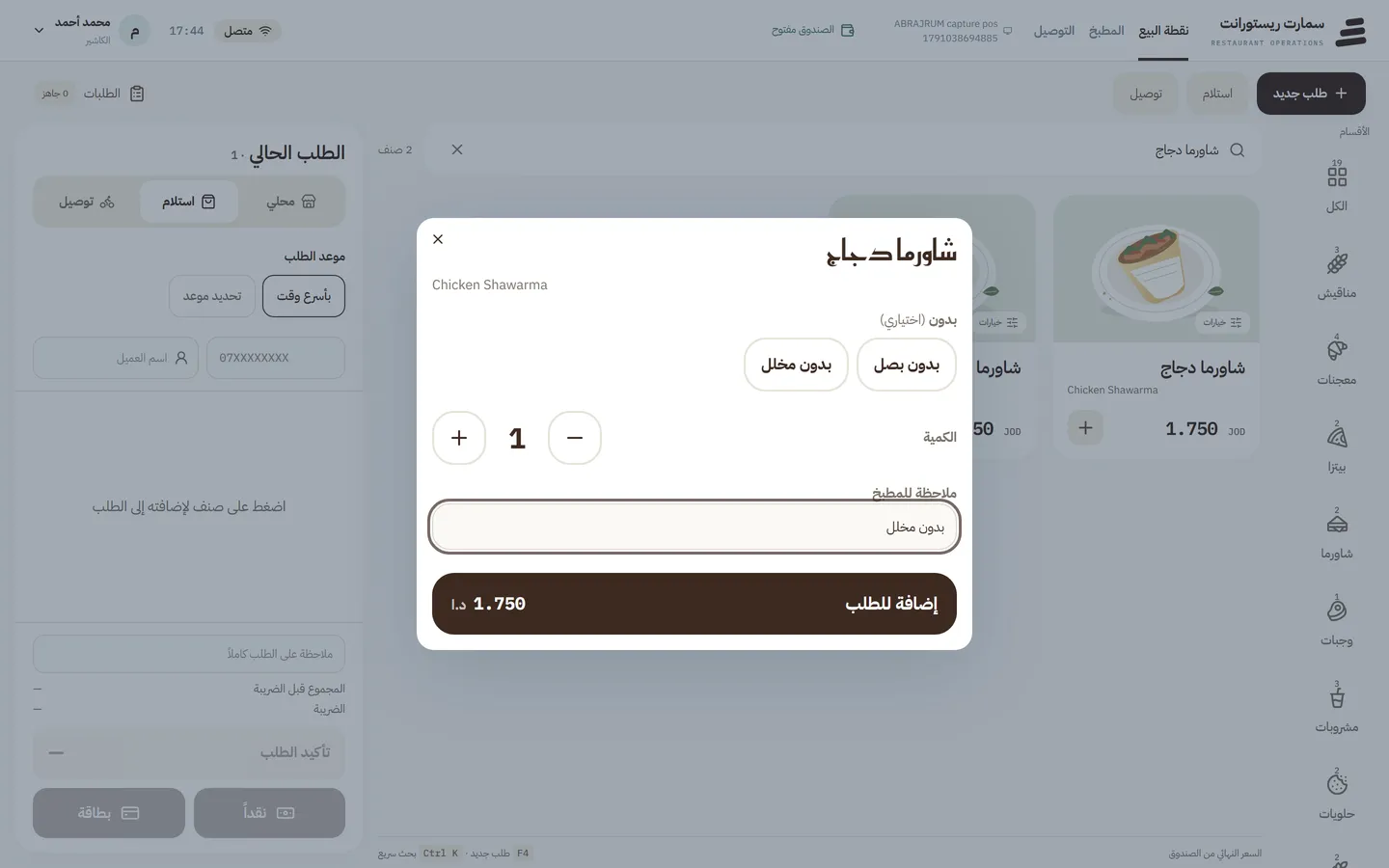
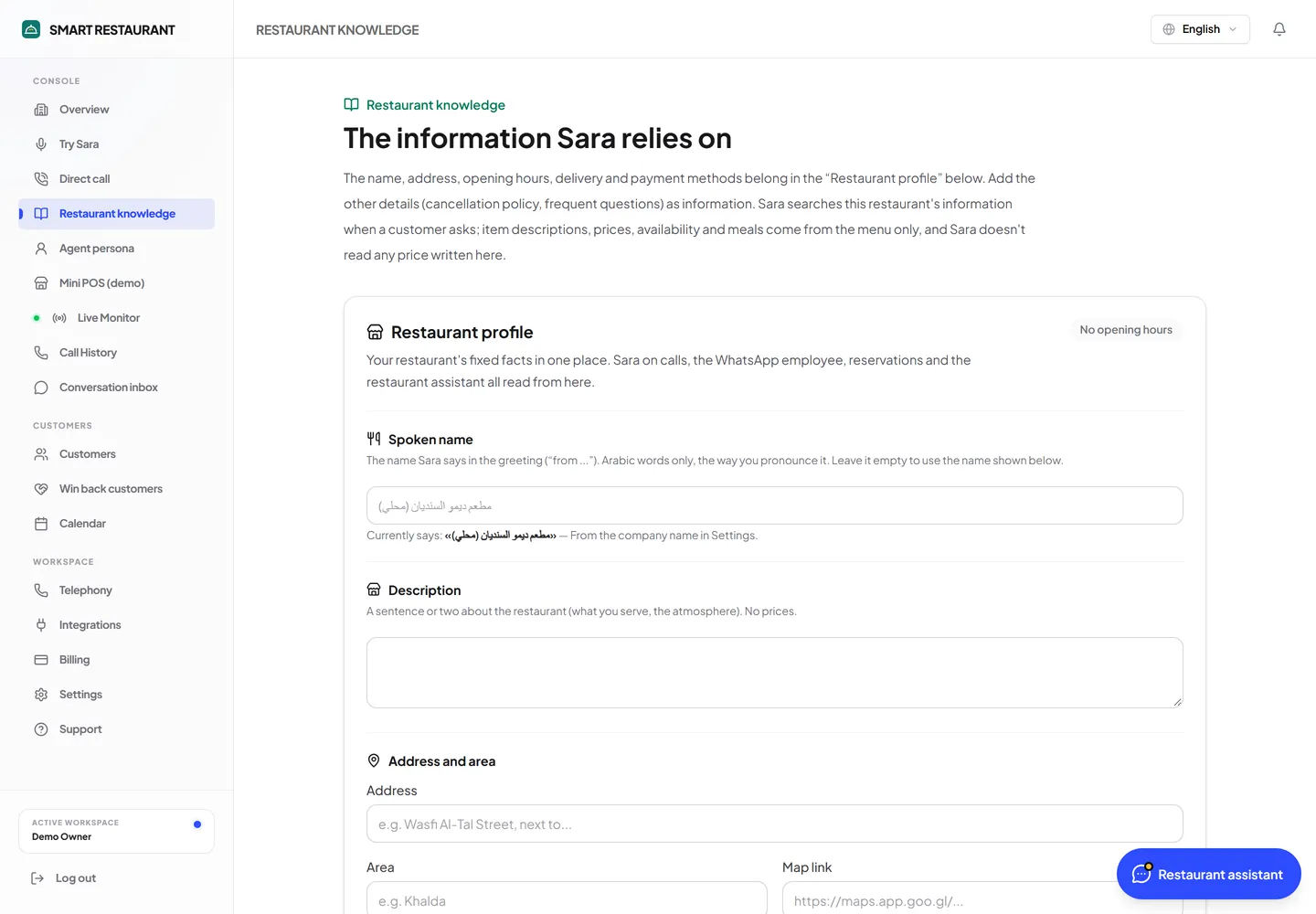
The restaurant card, menu and prices come from the system, not the model’s memory.
The cart is priced on the server and read back to the customer.
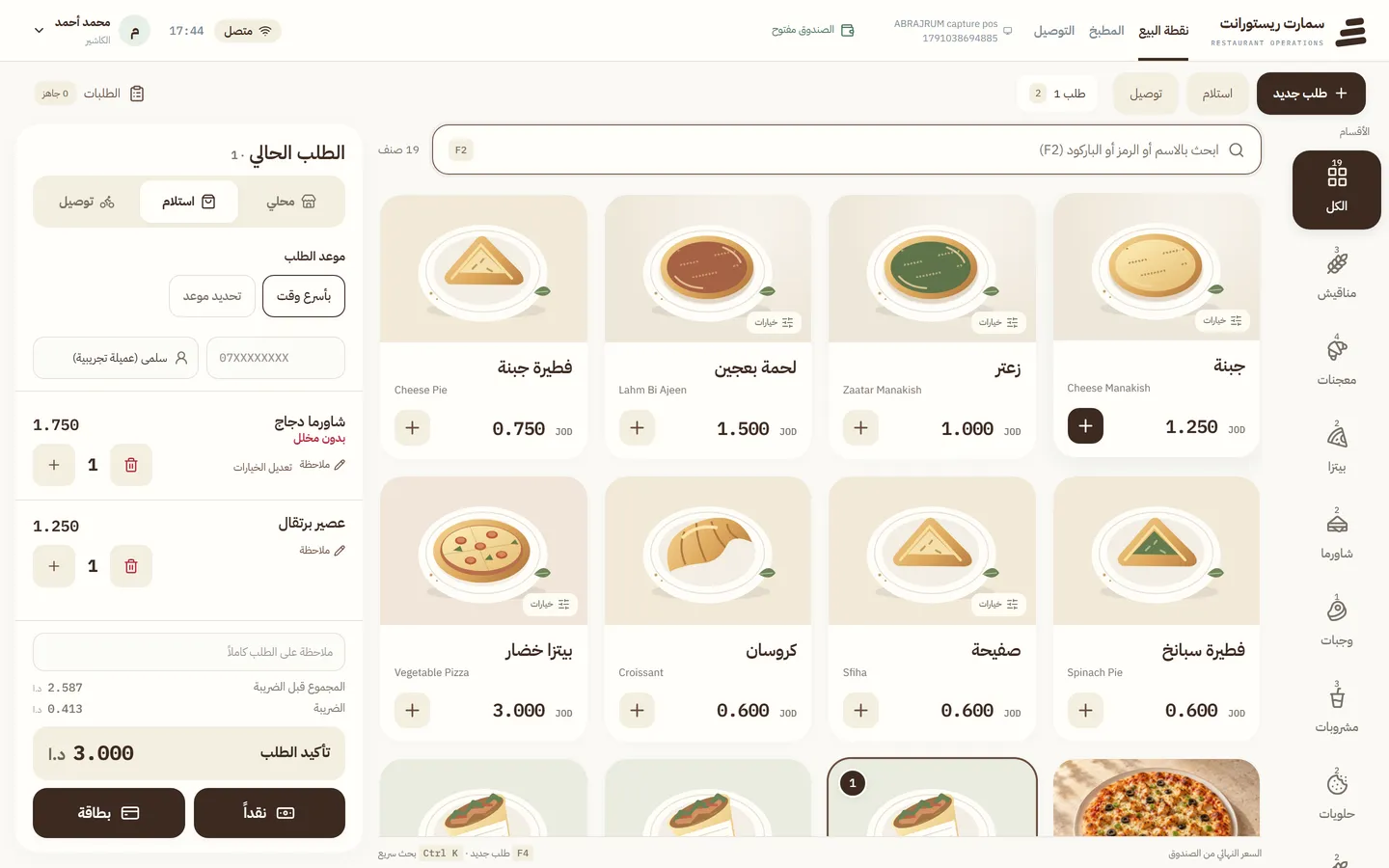
After a clear yes the order is sent with a reference and an idempotency key. No “sent” before the tool succeeds.
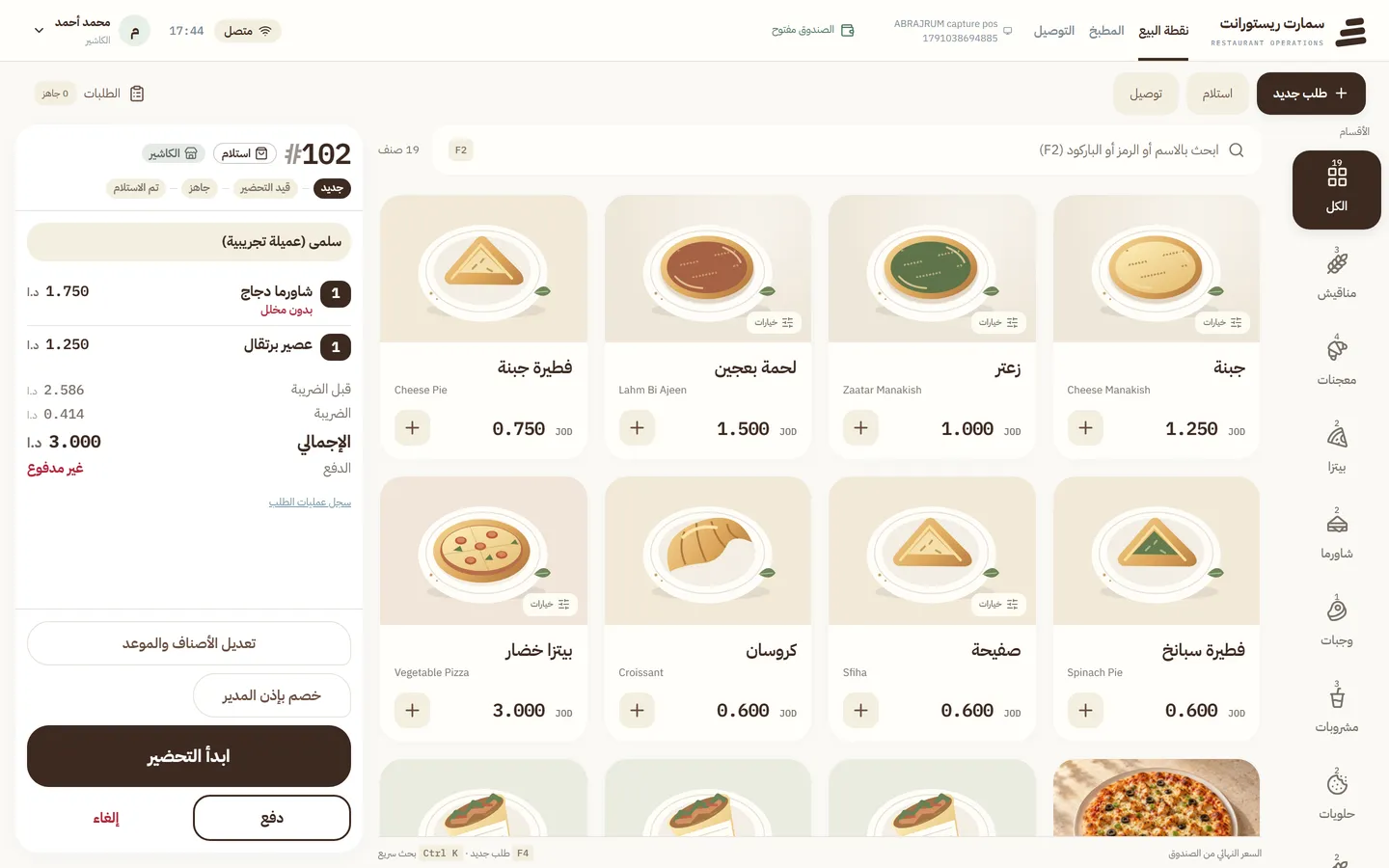
The order appears on the kitchen display and is tracked to ready.
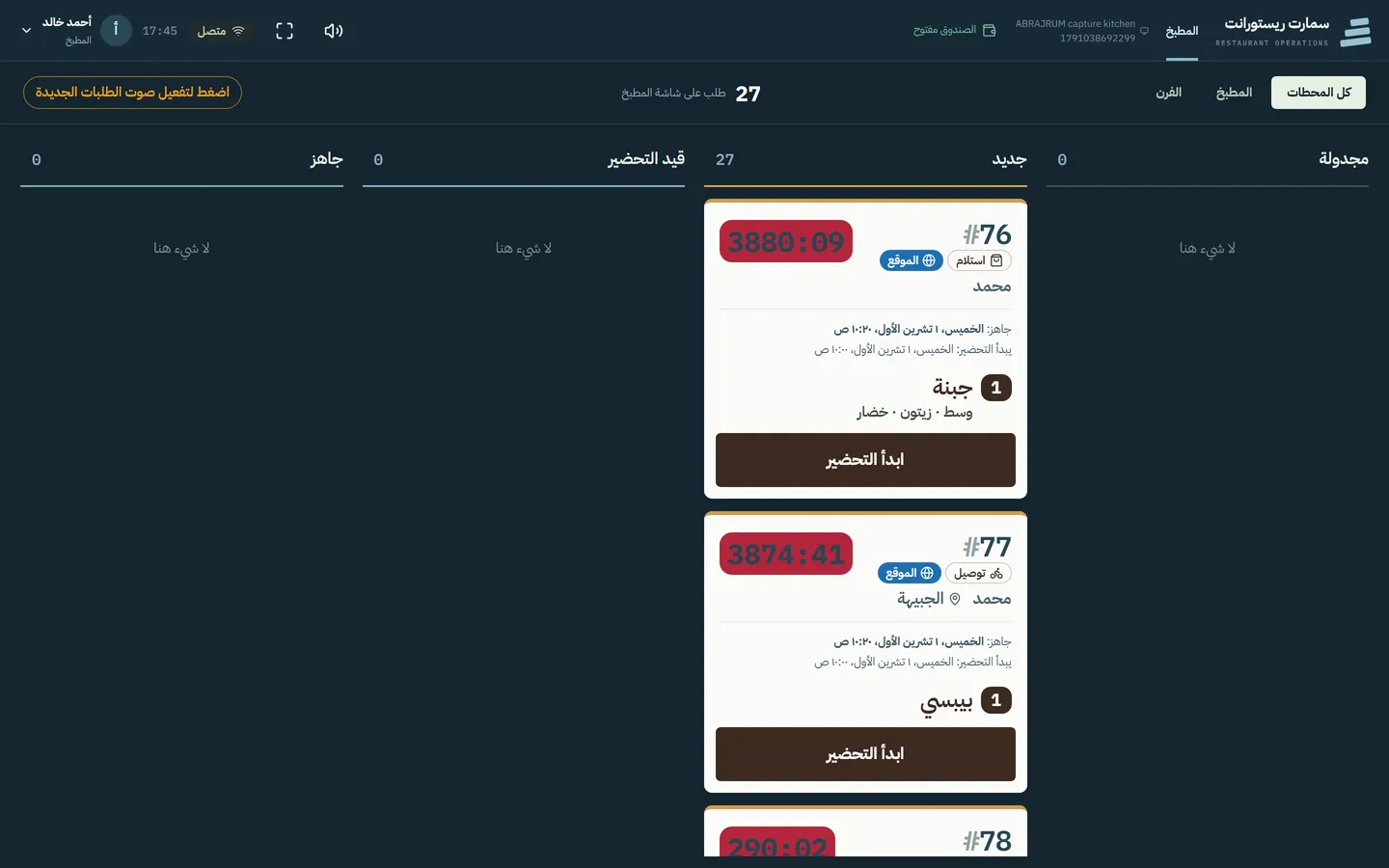


Real product screenshotItem options dialog: extras and notes
Edited from real product screenshots and generated scenes, silent. Not a recording of a live operation.
Prices come only from menu tools; the agent never speaks a price no tool returned.
Reads the order back and waits for a clear yes before sending it.
A kitchen display with stations that shows each order as soon as it is confirmed and tracks it to ready.
When the register is closed the system refuses new orders, including scheduled ones.
The order demo on this site runs on a sandbox with a fixed menu and never reaches a real restaurant.
See the assistant work on your business
Start a conversation now, or book a demo with the team.